The operator app: set-up and monthly builds
One window for setting up a company, recording its decisions and building its reports.
- Access
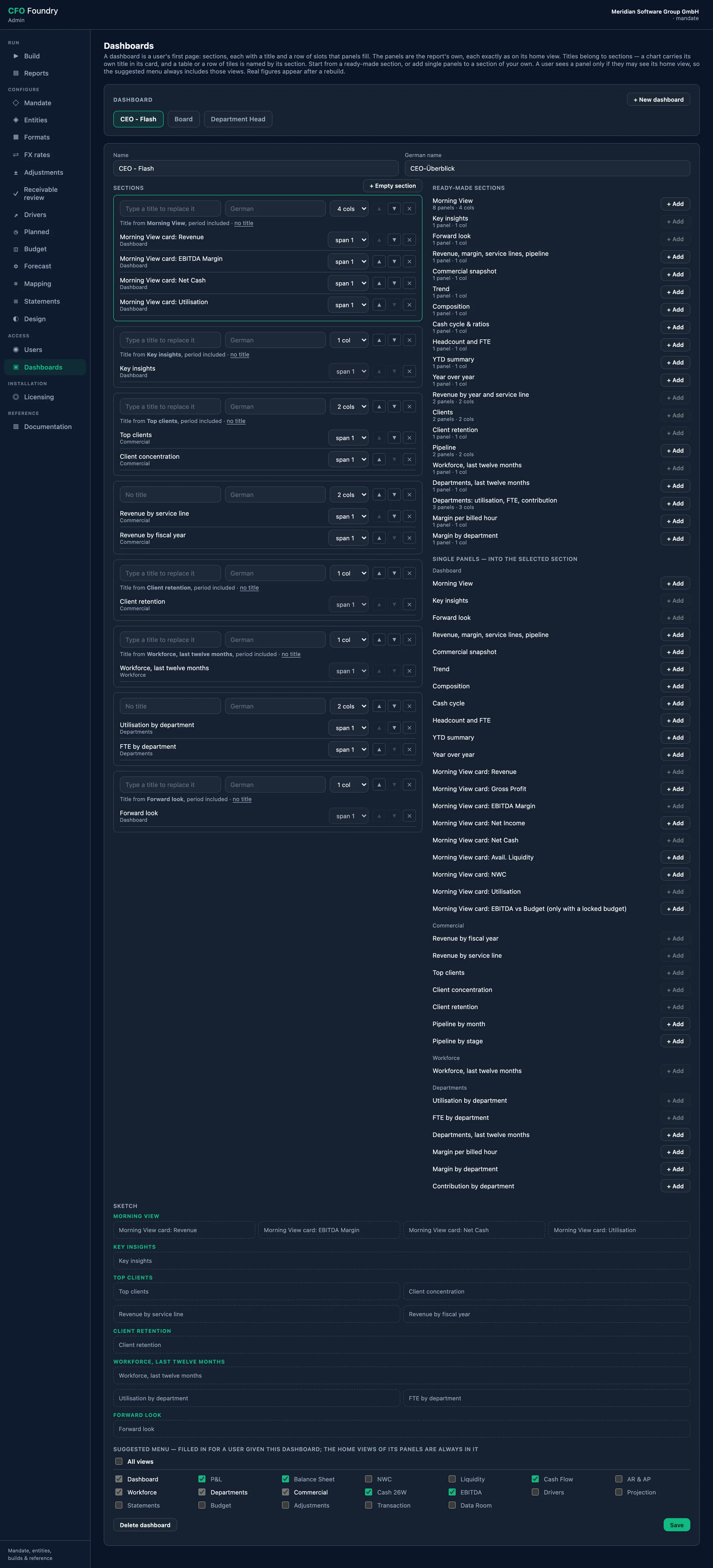
- Dashboards
- Configure
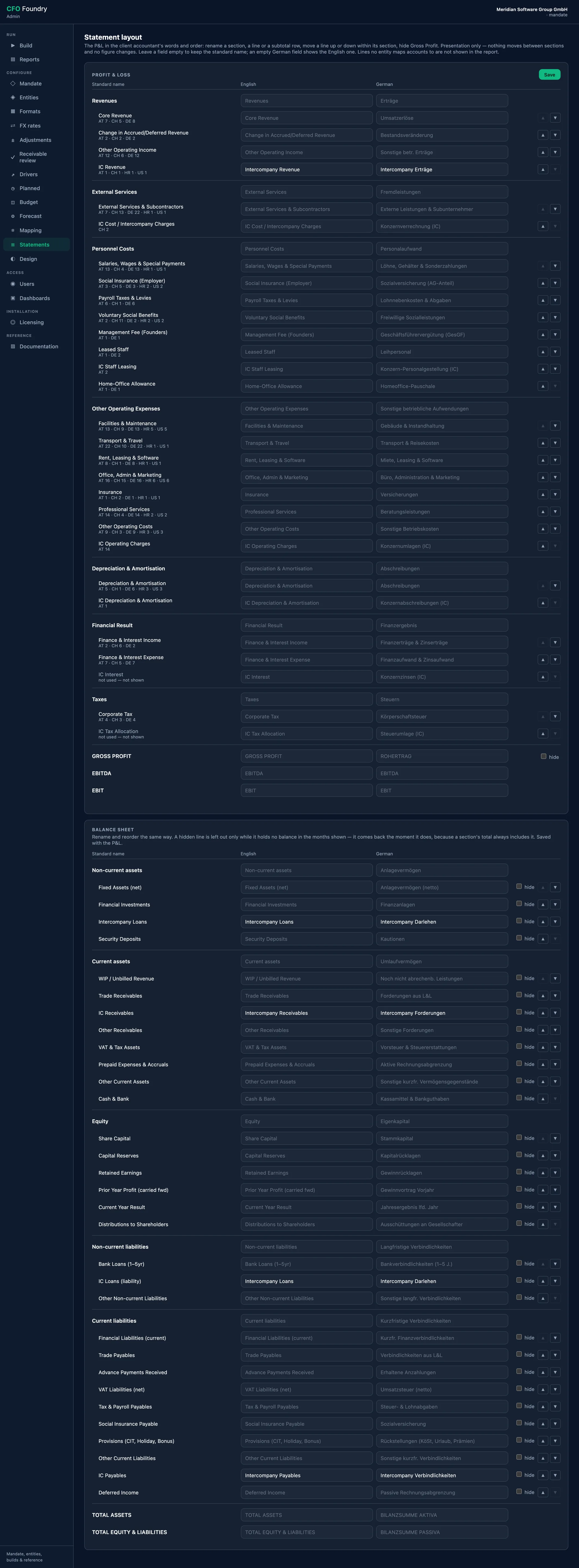
- Statement layout
Meridian is a fictional demo company. All figures are sample data.
Key questions
Where is a company set up?
Entities, currencies, exchange rates and the company's exports are set on their own screens and stored in the company's folder.
Where are the judgement calls recorded?
Adjustments, receivable decisions, drivers and planned changes each have a screen of their own, and every report shows them from its next build.
How are the reports produced?
Build runs the chosen entities and the group, rewrites the Excel workbooks and streams each step as it happens.
One place for the setup
Entities, exchange rates and the company's own exports are set up here once, and every build starts here. Nineteen screens in all, including the account mapping, drivers, planned changes, the budget, forecast settings, the receivable review, statement layouts, design, users and dashboards.
Platform
- Operator App: One place for the setup, in 19 screens.
- Intake Formats: The company's own exports, read the same way every month.
The screens, by task
The app is a desktop window for macOS and Windows. Its screens are grouped by what they are for:
- Run: Build, and Reports, which opens every built report in the window or in the browser
- Configure the company: Mandate, Entities, Formats, FX rates, Mapping and Statements
- Configure the judgement calls and the forecasts: Adjustments, Receivable review, Drivers, Planned changes, Budget and Forecast settings
- Configure the look and the access: Design, Users and Dashboards
Each screen has its own user manual, opened from the app in the browser. A change on any screen takes effect at the next build.
The company's own exports
CFO Foundry reads the company's own exports as Excel files: trial balances, hours, headcount, the employee roster, the pipeline and the receivables and payables ledgers. The same exports are read every month. A file that lacks what the build needs stops that entity's build with a message naming the file.
In English or German
Every report carries English and German, and one button switches between them, charts and notes included. On the Mandate screen the company chooses the language its reports open in, and the Excel workbooks and the decks are written in it. A reader's own choice is remembered.
One company, one folder
Everything about a company sits in one folder with three parts side by side: the settings, the data room and the reports. The app holds no company data, so one installation serves several companies, one after the other.
The folder can sit on a file server, and only one person builds a company at a time.
The monthly routine
Each month follows the same steps:
- Save the month's exports into their numbered places in the data room
- Build the entities and the group, with the Excel workbooks
- Read the build output: a warning about a missing month or an unmapped account also appears on the report's page
- Open the reports, read their alerts and settle what needs a decision: unmapped accounts, overdue receivables, add-backs
- Build again
Data sources
- The company's exports in the data room, one place per kind of file
- The settings each screen writes into the company's folder
FAQ
How does CFO Foundry get the data from the accounting system?
Through exports: the monthly trial balance and the other files are saved into the data room. Each export is described once in the operator app, and the same export is read every month after.
Which files does it read?
Excel files: monthly trial balances and an opening balance per year, and where available cost-centre P&Ls, hours, headcount, the employee roster, revenue history, the client list, the pipeline and the receivables and payables ledgers.
Does a missing file stop the build?
A file that is absent stops nothing. The view it would fill shows a dash or stays dimmed and names the export that fills it. A missing trial balance month leaves its year out of the report, marked in amber.
Get in touch
Describe your situation in a few lines. A reply typically follows within 1–2 business days.
To the Contact Form